
Lost Your Files? The Truth About Data Recovery at Our Computer Repair Store | Desktop Computer Repair
If you are looking for desktop computer repair in Dawson Creek or Grande Prairie because your files suddenly disappeared, you are not alone. Every week people walk into our shop worried about lost photos, work files, or school projects. The good news is that in many cases, those files can still be recovered with the right desktop computer repair process.
At our repair shop serving Dawson Creek and Grande Prairie, we see many cases where customers think their data is gone forever. In reality, a proper desktop computer repair check often finds that the data is still sitting safely on the drive. It just needs the right tools and experience to recover it. In this article, we will explain how data loss happens, what you should do first, and how a trusted desktop computer repair service can help bring your files back.
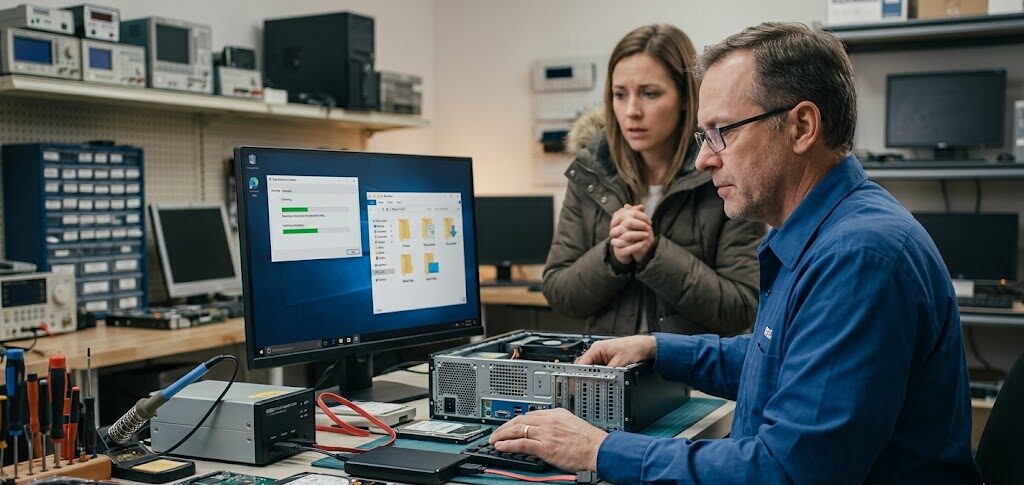
Why People Lose Data and Need Desktop Computer Repair
- Hard Drive Failure: Hard drives wear out over time. If you hear clicking sounds or your computer freezes often, it could be a failing drive. Early desktop computer repair can sometimes save the data before the drive completely fails.
- Accidental Deletion: This happens more often than you think. A customer deletes a folder, empties the recycle bin, and later realizes important files were inside.
- System Crash: Windows updates, power outages, or corrupted system files can cause crashes. Many times we recover data during a laptop and compyter fix service after these issues.
- Virus or Malware: Some viruses hide or encrypt files. In these cases, a full desktop computer repair scan helps locate and restore the data.
What Happens During Desktop Computer Repair for Data Recovery
Many people imagine a complicated lab when they hear “data recovery.” Sometimes that is true, but often recovery is simpler than people expect. Here is how a typical desktop computer repair data recovery process works in our store.
1. Diagnose the Problem
We first check the drive health and system condition. This helps us understand whether the issue is software, hardware, or accidental deletion.
2. Protect the Drive
If the drive shows signs of damage, we stop using it immediately. Running a failing drive too long can overwrite files and make recovery harder.
3. Data Scanning
Using recovery tools, we scan the drive sector by sector. This allows us to locate deleted or hidden files.
4. File Recovery
Once files are located, we safely copy them to another storage device.
This process is part of our desktop computer repair services in Dawson Creek and Grande Prairie.
Laptop Problems That Often Lead to Data Loss
While many people come for desktop repair, laptop problems also cause major file loss.
Water Damage Laptop Issues
Spilled coffee or water is one of the most common problems we see. A water demage laptop can stop working suddenly, but the data inside is often still safe.
The key is to power off the laptop quickly and avoid turning it back on. Bringing it in early gives technicians a better chance to recover your files.
Battery Replacement Problems
Sometimes customers believe their computer is dead when the real issue is just the battery.
A simple battery replacement can bring the system back to life. Once powered again, files are still intact.
We often see this during laptop and compyter fix appointments where the computer simply needs a power solution.
Apple Laptop Computer Repair and Data Recovery
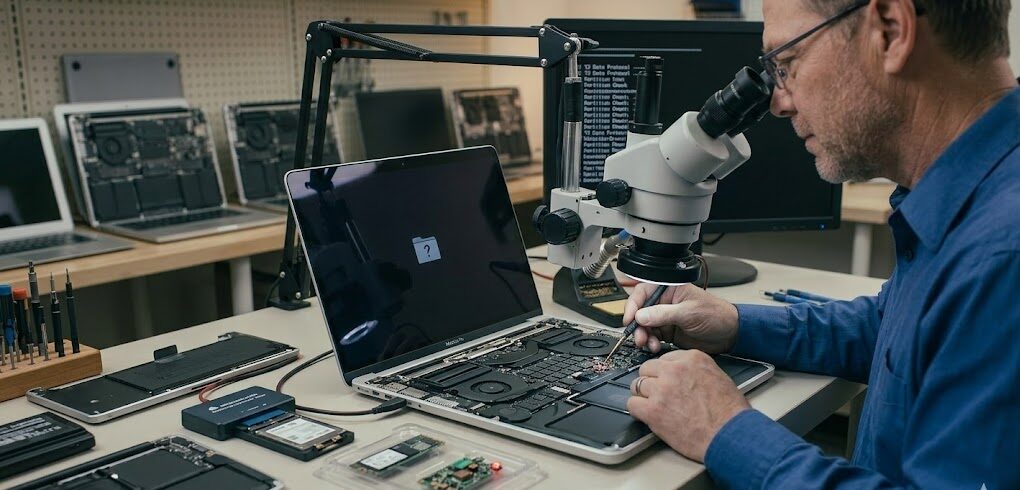
MacBooks are reliable machines, but they are not immune to problems. Many customers visit us for Apple laptop computer repair after their MacBook stops turning on or shows a flashing folder icon.
Common Mac data loss causes include:
• SSD drive issues
• Failed macOS updates
• Liquid damage
• Logic board problems
During apple laptop computer repair, we check the storage drive and attempt safe recovery before any major repairs. In many cases, files such as photos, documents, and project files can be restored.
The Biggest Mistake People Make After Losing Files
One mistake we see all the time is people continuing to use the computer after losing files. Here is why that is risky.
When a file is deleted, it is not immediately erased. The system simply marks that space as available. If new data gets written there, the old file can be permanently lost. That is why early desktop computer repair is important. The sooner the device is checked, the better the chance of recovery.
Signs You Should Visit a Desktop Computer Repair Shop
If you notice any of these issues, it is a good idea to stop using the computer and visit a repair shop.
- Strange clicking sounds from the computer
- Files suddenly missing
- Computer freezing often
- System not starting properly
- External drive not showing up
These are common signs that a professional desktop computer repair check is needed.
Data Recovery Success Story from Dawson Creek
Recently a small business owner from Dawson Creek came to our shop in panic. His desktop computer stopped starting, and it contained years of accounting files. He feared everything was gone. After diagnosing the system during our desktop computer repair, we discovered the hard drive had corrupted system files but the data area was still intact.
Within a few hours, we recovered the important folders and transferred them to a new drive. The relief on his face said everything. Stories like this happen often in both Grande Prairie and Dawson Creek.
How to Prevent Data Loss in the Future
While desktop computer repair can recover many files, prevention is always better. Here are a few simple habits that help protect your data.
- Keep Regular Backups: Use an external hard drive or cloud storage to back up important files.
- Avoid Overheating: Dust and heat can damage internal parts. Cleaning the computer once a year helps.
- Protect Against Spills: For laptops, avoid drinks near the keyboard to prevent water damage laptop situations.
- Replace Old Batteries: A failing battery can cause sudden shutdowns. A timely battery replacement keeps systems stable.
Local Computer Repair You Can Trust
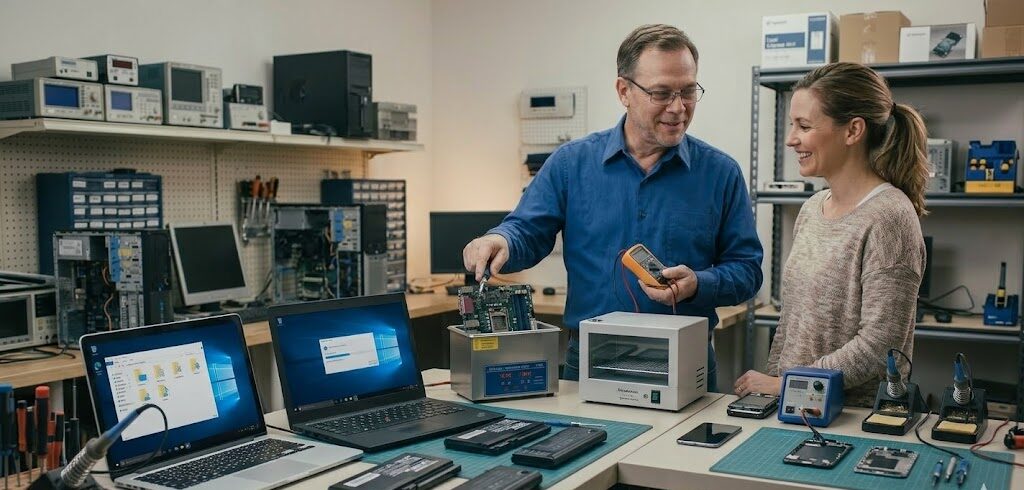
When something goes wrong with your computer, it can feel stressful. Your photos, work files, and personal documents are often inside that device. Our repair team serving Dawson Creek and Grande Prairie helps customers every day with:
- desktop computer repair
- apple laptop computer repair
- laptop and computer fix services
- battery replacement
- water damage laptop repair
- Data recovery and diagnosis cost-free
Many times what looks like a disaster is actually fixable. The most important step is getting a professional check before the problem gets worse. If your computer has lost files or stopped working, bring it in. A quick desktop computer repair inspection could save your important data.
Frequently Asked Questions (FAQ)
My files just disappeared but my computer is still working fine. Is there any hope of getting them back?
Honestly, yes and this is actually one of the most common things we hear. Just because you can’t see your files doesn’t mean they’re gone. When something gets deleted, the computer basically just marks that space as “available” rather than wiping it clean. As long as you stop using the computer right away and bring it in, there’s a really good chance we can pull those files back.
I spilled water on my laptop and now it won't turn on. Is my data toast?
Not necessarily! The first thing is don’t try turning it on again. Seriously, that’s the biggest mistake people make. Water and electricity are a bad combination. The good news is the data sitting on the drive is usually still fine even when the laptop itself takes a hit. Get it to us as soon as you can and we’ll take it from there.
How do I know if my hard drive is failing before it's too late?
Your computer will usually give you some warning signs. Clicking or grinding sounds are a big red flag. If your computer is freezing randomly, taking forever to open files, or crashing more than usual, those are all signs something’s off. Catching it early makes a huge difference, don’t wait until it completely stops working.
I accidentally deleted a folder and emptied the recycle bin. Is it completely gone?
We get this one a lot, and the answer is maybe not. Stop using the computer the moment you realize what happened. Every time you save something new, you’re potentially writing over where those old files were sitting. The sooner you bring it in, the better your odds. We’ve recovered files in exactly this situation more times than we can count.
Do you work on MacBooks too, or just Windows computers?
We work on both. MacBooks are great machines but they’re definitely not bulletproof — failed updates, SSD issues, liquid damage, you name it. We see it all. Whether it’s a Mac or a Windows desktop or laptop, we’ll do a full check before jumping into any repairs to make sure your data is safe first.

Grande Prairie:
Unit 104 10006 101 Ave Grande Prairie Alberta T8V 0Y1
Phone: +1(780) 538-4555
Store Timings:
Mon-Fri 10am – 6pm
Sat 11am – 5pm
Dawson Creek:
10222 10 St, Dawson Creek, BC V1G 3T4, Canada
Phone: +1(778) 691-9171
Store Timings:
Mon-Fri 10am-5pm
Sat 12pm – 5pm
Fort St John:
8111,100 Ave Unit 202C, Fort St John, BC V1J1W4, Canada
Phone: +1(250) 782-0090
Store Timings:
Mon-Fri 10am-5pm
Sat 12pm – 5pm